
Practical VPS (Virtual Private Server) Guide for Engineers
Sarah O'Connell
Senior Software Developer
Oct 27, 2025
8 min read
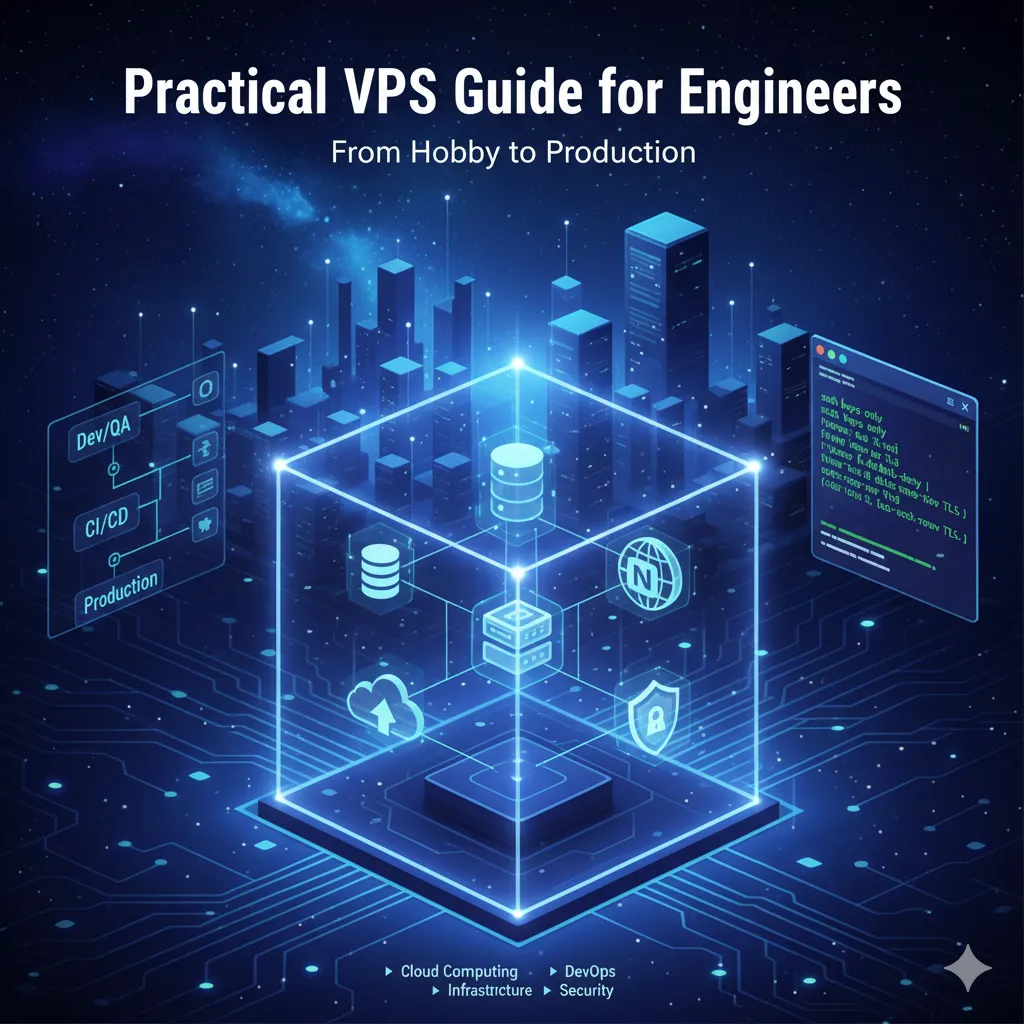
What a VPS Is (Engineer’s view)
A VPS is an isolated virtual machine carved from a physical host via a hypervisor. You get root/Administrator access and treat it like a small dedicated server—perfect for 24×7 online services, globally reachable, billed monthly/annually. Virtualization stack (at a glance)
- Type-1 (bare-metal) hypervisors: KVM (most common in public clouds), Xen, Hyper-V.
- Type-2 (hosted): VMware/VirtualBox (great for local dev, not typical for cloud VPS).
- Isolation & I/O: vCPU scheduling groups; memory via cgroups/ballooning; block devices via virtio-blk/NVMe; networking via Linux Bridge/OVS + virtio-net or SR-IOV.
Common VPS sizes & when to use them
- Entry (1 vCPU / 2 GB / ~40 GB): static sites, small blogs, personal tools.
- Mid-range (2–4 vCPU / 4–8 GB / 80–160 GB): small apps/APIs, self-hosted services (Gitea, registry).
- High-perf (8–16 vCPU / 16–64 GB / local NVMe): compiles/transcoding, game servers, small OLTP.
- Custom: dedicated bandwidth, big block volumes, BGP/Anycast, private networking.
Typical use cases (with practical notes)
- Web/App hosting: Nginx/Apache in front, app layer (Node/Go/Java). Add CDN, WAF, and TLS auto-renewal.
- Dev/QA sandboxes: Spin up via Terraform/Ansible; bake golden images with Packer.
- Databases & caches: Fine for small prod; prioritize NVMe, IOPS guarantees, and real backups.
- CI runners: Self-hosted GitHub/GitLab runners; pair with BuildKit/sccache.
- Remote desktop/office: Windows Server or Linux + xrdp/Chrome Remote Desktop.
Network & storage choices that actually matter
Network
- Shared vs. dedicated bandwidth: Dedicated is steadier (and pricier).
- Latency & jitter: Measure to your user base (mtr/looking glass).
- Exposure: Only open 80/443 and must-have ports; rely on provider DDoS where available.
Storage
- Local NVMe: lowest latency, best for DB/builds.
- Network block storage: easy to scale, but you may add jitter—use as data disk with caching.
- Filesystems: ext4 (safe default), xfs (strong at parallelism). Consider noatime for DB/data disks.
- Minimal hardening checklist (no step-by-step commands)
- Access: SSH keys only (disable password logins). Restrict SSH/RDP by IP or bastion.
- Firewall: Default-deny inbound; allow only HTTP/HTTPS and admin ports you truly need.
- Rate-limit & bans: Enable fail2ban (or similar) for SSH and web admin paths.
- Auto security updates: OS unattended security updates; watch kernel advisories.
- Secrets: Store outside repo; rotate keys, use a password manager or KMS.
- TLS: Auto-renew (e.g., ACME). Enforce HSTS, modern ciphers.
- Least exposure: No public DB/queue/broker unless absolutely required—use private networking.
- Capacity & performance validation (lightweight)
- CPU & memory: Validate parallelism (nproc), memory headroom (watch OOM kills).
- Disk: Confirm read/write IOPS budgets match your workload; spot-check latency under load.
- Network: Measure RTT/jitter/throughput to target regions; beware noisy-neighbor bandwidth.
- Plan for peak: Size for ~1.5–2× the observed peak QPS/concurrency.
- Backup & recovery you’ll actually use
- Strategy:
- Databases: primary+replica where possible; point-in-time recovery (binlog/WAL).
- Files: periodic snapshots + off-site object storage (encrypted, lifecycle rules).
- Drills: Do a monthly “restore from zero” exercise and document RTO/RPO.
- Observability & alerting (small but complete)
- Metrics: node_exporter + Prometheus + Grafana (or managed alternatives).
- Logs: Centralize (Loki/ELK/Cloud logs); set retention & privacy rules.
- Alerts: CPU/Memory/Disk/Bandwidth, TCP connection spikes, HTTP 5xx, cert expiry, backup failures.
- Cost & vendor selection heuristics
- Value sweet spots: Mid-range vCPU with local NVMe and shared bandwidth is often best value.
- Geography & compliance: Place close to users and mind data-residency rules (GDPR, etc.).
- Contracts: Monthly for flexibility, annual for savings; watch for “unlimited” traffic fine print and pricey upgrades.
- From hobby to production in three steps
- PoC: tiny instance to validate architecture and identify bottlenecks.
- Pre-prod: 2–4 vCPU with CI/CD, backups, and monitoring; replay production-like traffic.
- Prod: at least two instances or multi-AZ; health-checked load balancing; blue/green or canary.
Tags
Sarah O'Connell
Senior Software Developer
Senior Backend Developer focused on scalable microservices architecture.
Related Articles
VPS Engineering Guide: From Basics to Production
VPS Guide: Virtualization, Compute/Memory Optimization, Storage I/O, Networking, Security, and Production Deployment
Top Cloud VPS Providers 2025: Best for SMBs and Enterprises
2025's best Cloud VPS providers rated on pricing, performance, features, and support. A comprehensive guide for SMBs and enterprise-level infrastructure needs.
Virtual Private Server Explained: Benefits & Upgrades
A complete guide to VPS: What it is, how it works, how to choose the right solution, benefits, and comparison with other hosting. Includes optimization tips.
BrainHost - A reliable VPS hosting platform offering high-performance virtual servers with advanced management capabilities.