
The Best CMS Guide 2025: Choose the Right Platform for Your Website
In a world dominated by social media and short-form video, blogs don’t always grab the spotlight like they used to. But for companies that want to tell stories and build real relationships with customers, they’re still powerful and effective. Publishing blog posts remains meaningful—and thanks to AI tools, it’s easier than ever to repurpose a single article into short videos, social posts, and more.
Marcus Johnson
Site Reliability Engineer (SRE)
Oct 30, 2025
7 min read
Whether you run a business or simply want to share ideas with the world, blogging is a smart way to communicate. A blog helps readers understand who you are, what you offer, and why it matters—while also boosting your visibility through search rankings and rich snippets.
What Is a CMS?
A CMS (Content Management System) is software that lets you create, manage, and publish digital content on the web. Most sites today run on a CMS that uses components and templates—far simpler than hard-coding every page by hand.
If you want to publish online, a CMS gives you the structure and tools to do it well.
Headless CMS vs. Traditional CMS
As you evaluate CMS options, you’ll quickly encounter the term “headless CMS.” Broadly, there are two models:
- Traditional CMS: content + front-end in one platform
- Headless CMS: content only, delivered via API to any front-end
Either model can power a blog; the right choice depends on your team, skills, and goals.
Traditional CMS
Traditional CMS platforms bundle a content back end with a site-building front end. You add content and design in the same system. Many provide drag-and-drop layout tools, theme systems, and places to insert custom code where needed.
Headless CMS
A headless CMS separates content from presentation. It stores and structures your content, then exposes it via APIs. You build the front end yourself—often with frameworks like React—and fetch content from the CMS.
Headless shines when you want complete design freedom, omnichannel delivery (web, mobile, apps, signage), or you already have developers involved. Designers shape the experience; engineers implement it.
With the basics in place, let’s look at today’s most popular blogging CMS options.
The Best CMS Platforms
Choosing a CMS shapes everything from design flexibility and editorial workflow to SEO and scalability. Here are top picks for blogging—each strong in different ways.
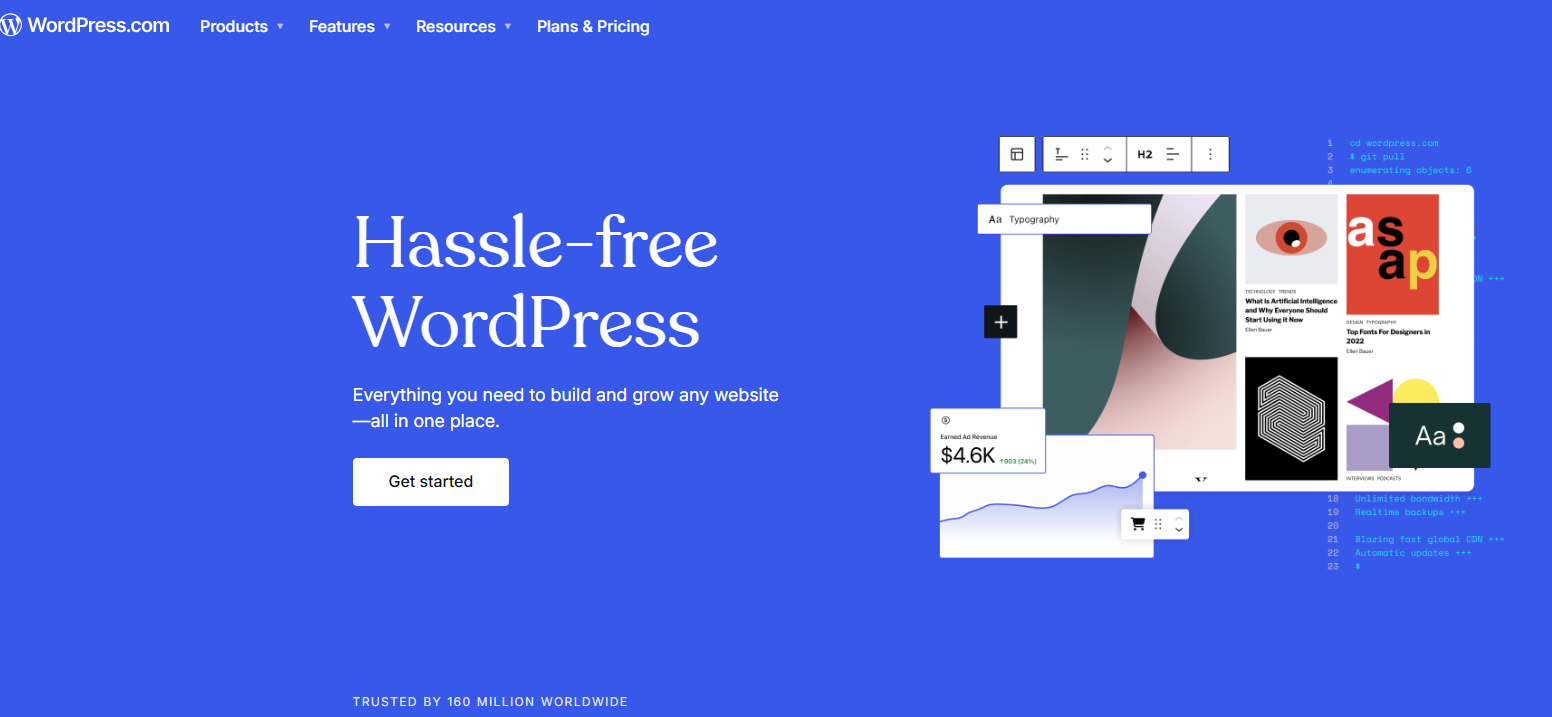
Best All-Around CMS: WordPress
WordPress is the world’s most widely used CMS for good reason. The free, open-source platform has thrived since 2003, powered by a massive community that ships themes, plugins, and improvements at a remarkable pace. While there’s a learning curve, the plugin-and-template architecture lets you build sophisticated sites without deep programming skills—and there’s community help everywhere.
Born as a blogging tool, WordPress excels at blog basics: creating posts, organizing categories/tags, and managing authors is fast and familiar. Site design takes time to master, but you retain full control over your content. Be selective with plugins—favor well-maintained options with large user bases—because a broken plugin can ripple into site-wide headaches.
Best Headless CMS: Contentful
Contentful is the headless choice for many large organizations (think Atlassian, AWS, Mailchimp). It pairs a clean editorial UI with powerful modeling tools, making content operations intuitive, fast, and organized. If you want to decouple content from design, Contentful is a reliable bet.
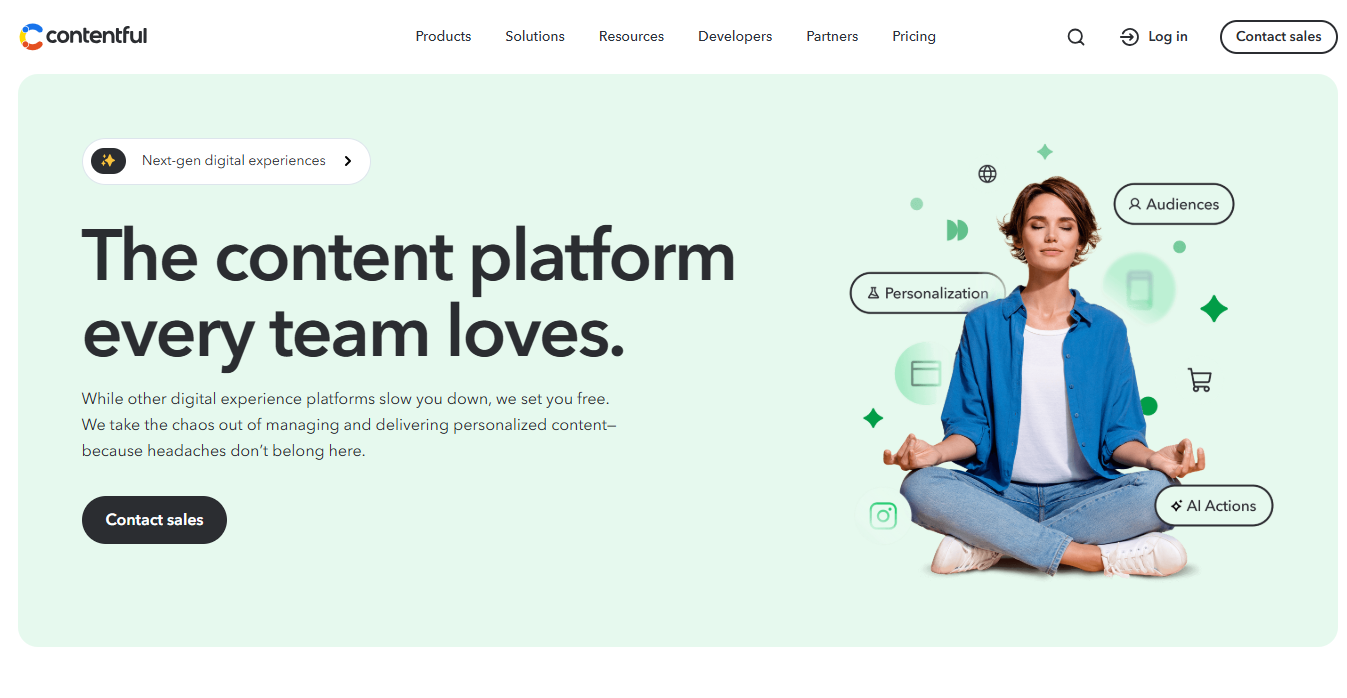
Highlights include live preview, rich taxonomy, granular roles/permissions, and 100+ integrations (Shopify, OpenAI, Braze, Cloudinary, and more). Contentful is a paid platform, but teams often recoup the cost in speed, governance, and multi-channel reach.
Best for Marketing Integration: HubSpot CMS
Known for marketing automation, HubSpot now spans sales, service, content, operations, and even e-commerce. If you want built-in marketing analytics, personalization, and publishing in one place, HubSpot CMS is compelling.
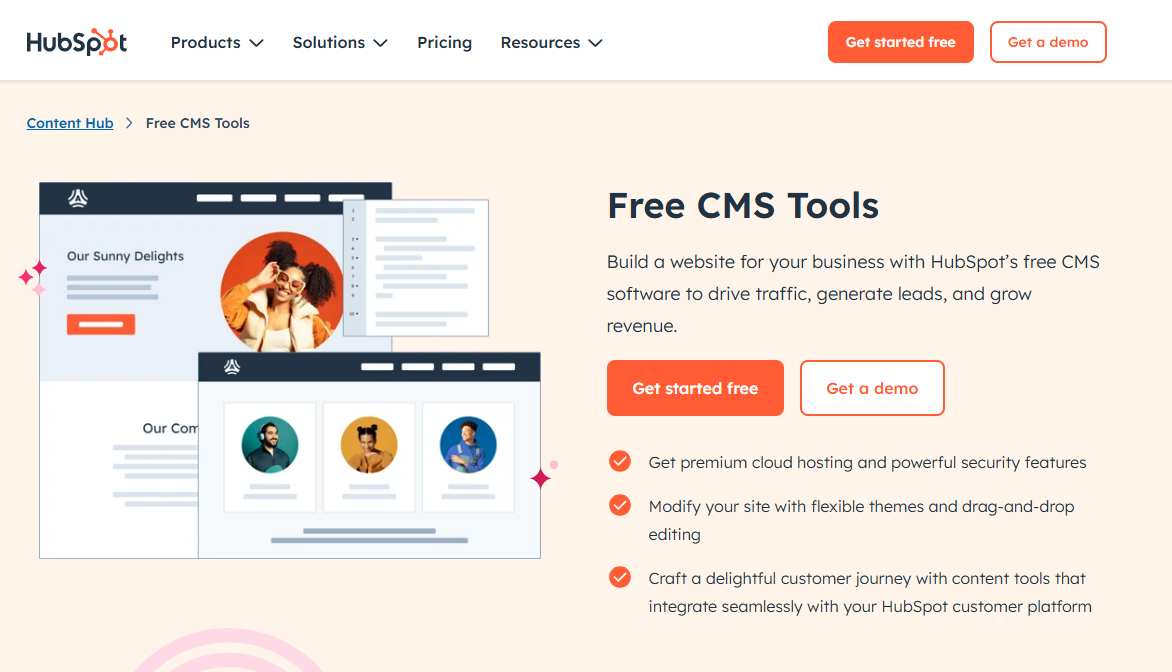
You get a full site builder with drag-and-drop editing, an integrated content hub, on-page SEO recommendations, and performance monitoring—all natively. On other CMSs, these capabilities often require third-party add-ons. HubSpot isn’t free, but for growth-focused teams it’s a solid investment.
Best for Scale: Drupal
If “serious” for you means millions of posts and readers, Drupal deserves a look. This open-source heavyweight is built for performance and flexibility at scale. It handles complex content models, heavy traffic, and integrates with caching layers, CDNs, and enterprise workflows.
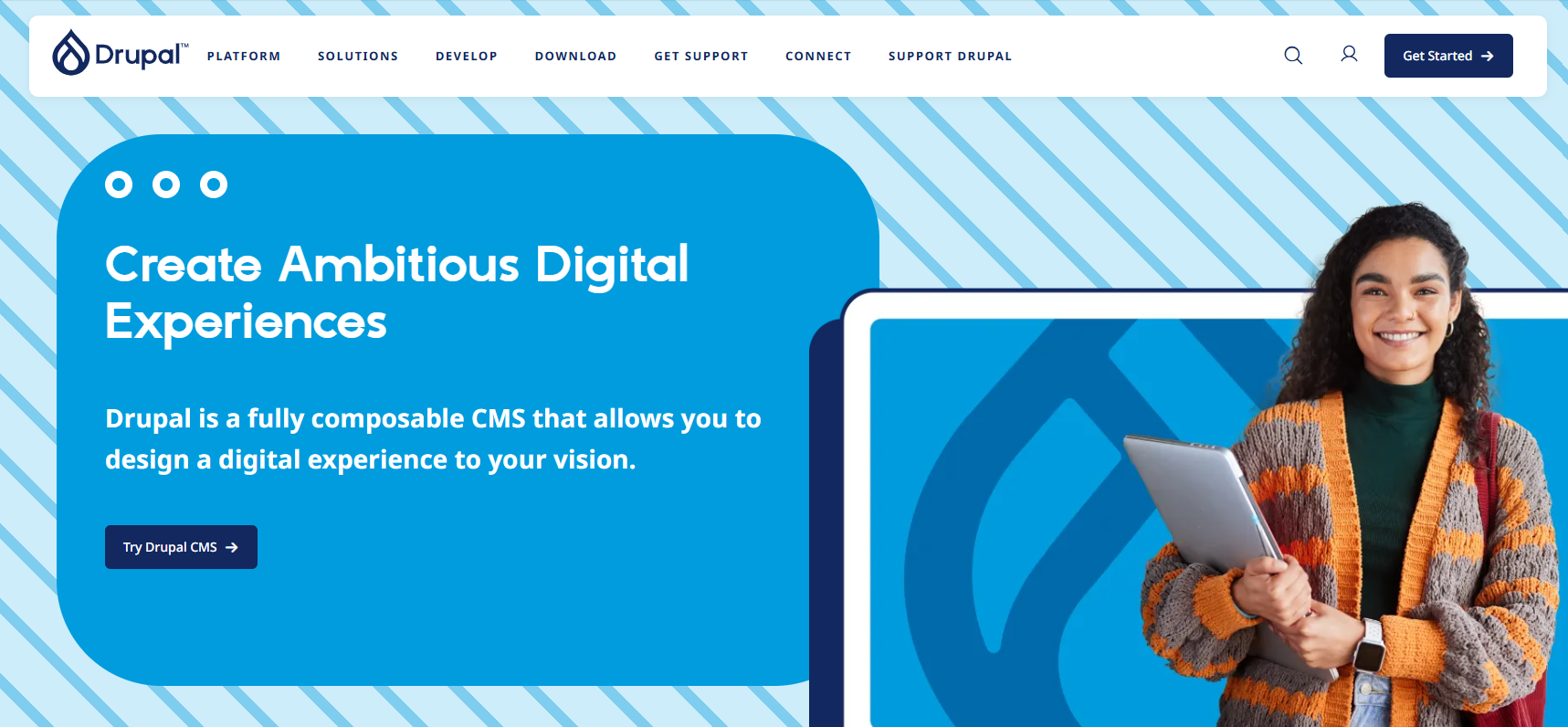
Drupal has a steeper learning curve, but when you’re running a sprawling content network, the payoff is significant. Plan to hire (or become) a Drupal developer for best results.
Best for Multilingual Sites: Joomla
Joomla is another free, open-source CMS—excellent when you need to publish in multiple languages. Multilingual support is first-class across core components, so creating and linking translated versions is straightforward.
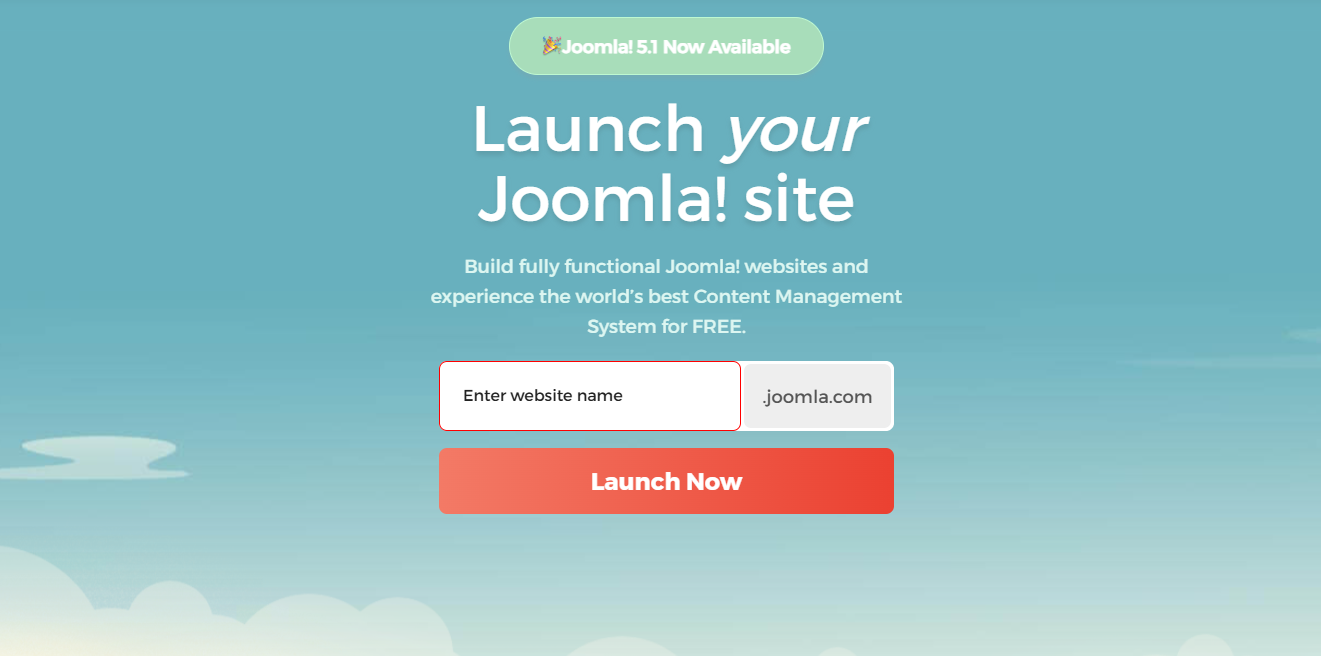
You can install language packs and move quickly from single-language to global publishing. Great for businesses serving multiple regions that need to move fast.
Best Traditional CMS for Developers: Ghost
If you’re comfortable with JavaScript, Ghost is a lean, modern alternative to heavier systems. It started as a focused blogging platform and evolved into a polished publishing tool.
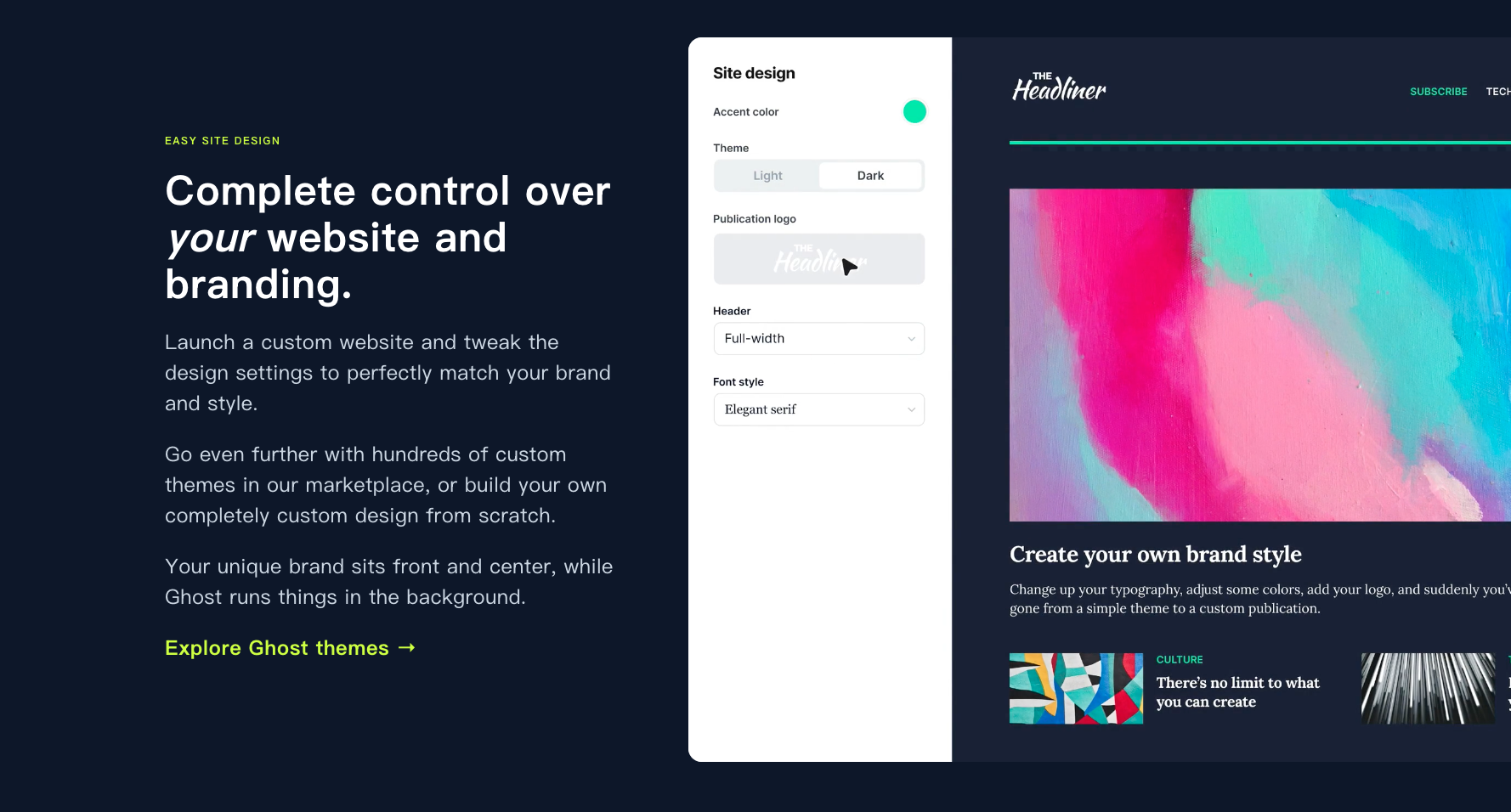
Ghost’s footprint is small, performance is snappy, and themes are built with Handlebars. If you want a coder-friendly, minimalist system without WordPress/Drupal overhead, Ghost is worth a try.
Blog-Friendly Alternatives (No “Real” CMS Required)
If you just want to write—without the technical maintenance of a full CMS—there are simpler options. These tools let you publish text, images, videos, and links quickly. The trade-offs: limited design freedom, less control over hosting/monetization, and fewer advanced features.
If you plan to run ads, customize every pixel, or self-host, you’ll outgrow these. But for simple publishing, they’re fantastic.
Easiest Site Builder: Wix
Wix is famous for making websites dead simple. Its visual builder, pre-made sections, and polished templates help you assemble a professional site quickly—blog included.
Free plans are hosted on Wix and display Wix branding; paid plans remove it. If you want a complete website without CMS complexity, Wix is a friendly start.
Easiest Blogging Experience: Medium
Medium makes blogging almost frictionless: write, click Publish, and you’re live—under your handle or publication.
Medium supports images, embeds, and comments (which you can disable). Many creators start on Medium for its simplicity and audience, then migrate to a full CMS as needs grow.
Best Newsletter-First Platform: Substack
Email is still the most reliable way to reach readers. Substack blends blogging with newsletters so your posts land directly in subscribers’ inboxes at your cadence.
You’re not limited to “news updates”—full essays, deep dives, and serialized content work great. Substack gives you a publishing surface and a direct distribution channel.
Best Notion-Powered Setup: Notion + Super
If you already live in Notion for notes, tasks, and databases, pairing it with Super can turn your Notion pages into a polished website. Super adds themes, typography, layout controls, navigation, and database views—transforming plain Notion pages into a cohesive site.
Notion itself doesn’t publish to the web like a CMS; Super bridges that gap with minimal overhead.
Decisions: How to Pick What’s Right for You
There’s no single “best” CMS—there’s the best CMS for your situation. Use these questions to guide your choice:
- Do you want to learn/hire development, or build something yourself with minimal technical effort?
- Do you need a full website builder or just a simple blog?
- Is this a personal project, or will multiple collaborators need roles and permissions?
- Will you monetize content or need advanced custom functionality?
- How large and complex will your content library become?
- Is lower cost the priority, or is ease of use and growth tooling more important?
Answering these honestly will narrow the field quickly—and help you invest in a platform that fits your roadmap today and scales with you tomorrow.
Tags
Marcus Johnson
Site Reliability Engineer (SRE)
Site Reliability Engineer with expertise in monitoring and incident response.
Related Articles
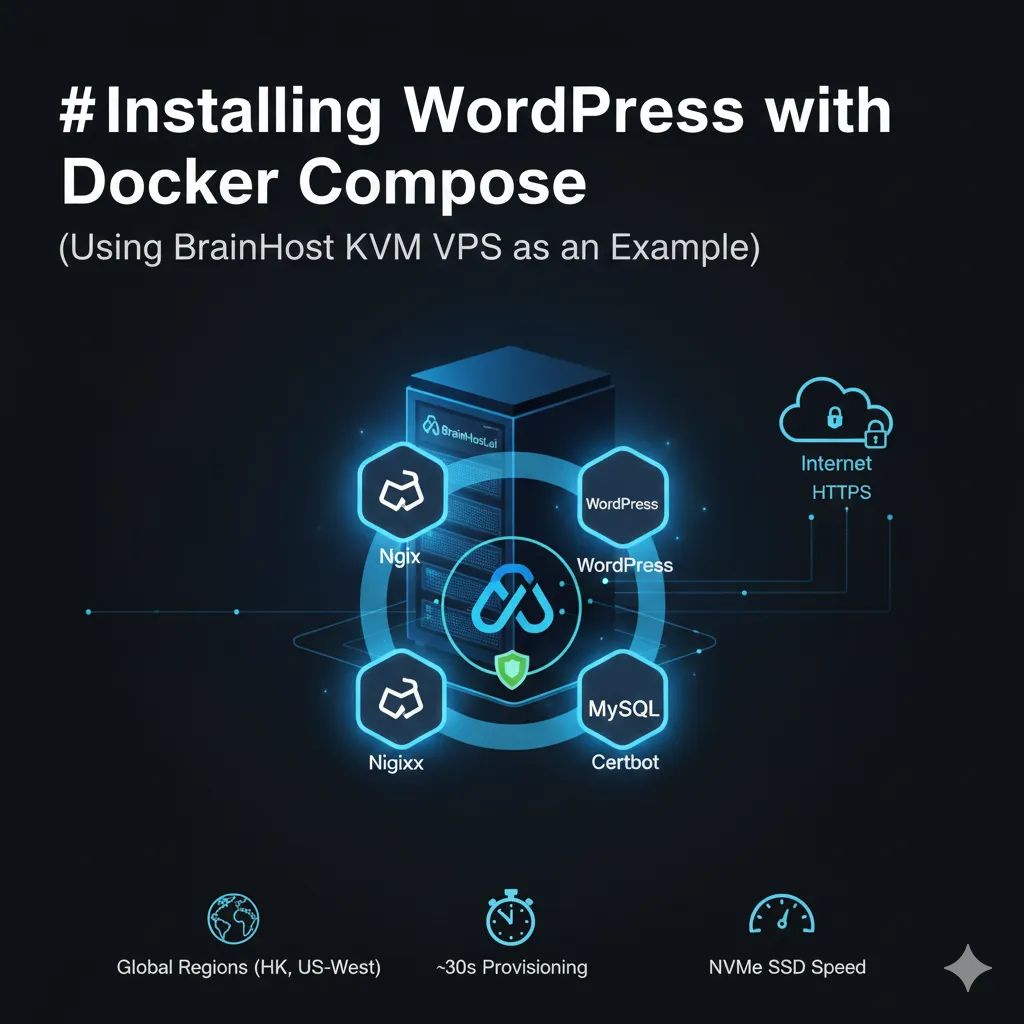
Rapid WordPress Deployment with Docker Compose on High-Performance KVM VPS
A comprehensive guide to deploying a full containerized WordPress stack (Nginx, PHP-FPM, MySQL, Certbot) using Docker Compose on a high-performance KVM VPS, featuring automated HTTPS setup.
10 Cheapest VPS Providers in 2026 (Affordable & Reliable)
Discover the 10 cheapest VPS providers in 2026. Compare affordable VPS hosting options and find reliable VPS servers for developers, startups.
How to Set Up Web Hosting on a VPS: Beginner Guide (2026)
Learn how to set up web hosting on a VPS in 2026. Step-by-step guide for beginners, plus a real-world BrainHost use case.
BrainHost - A reliable VPS hosting platform offering high-performance virtual servers with advanced management capabilities.